To send a player or coach a new invite or a password reset link, follow the steps below:
- Navigate to your Users section in the side navigation of your admin.
- Select "Admins/Staff" or "Players" from this menu, depending on the role of the user you wish to send the invite/reset to.
- Select the user's name from the list to visit the "User Details" page.
- Next to the "Status" field, click on the green button to send the invite/reset link (highlighted by the blue box in the screenshot below).
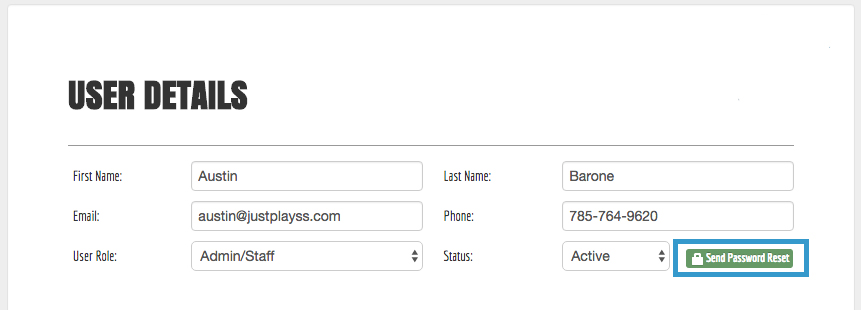
This will send the user an email that will walk them through the process of setting up their password.
0 Comments