Your Just Play player app is not distributed through app stores. Instead, the player app is a web application that users can access if they have been invited to your system.
It is necessary for players and coaches to add the Just Play app to their mobile devices for full functionality. This is simply done by adding your team site to the home page of your Android/iOS device.
ADDING THE APP DURING ACCOUNT SETUP
When you first gain access to Just Play on a mobile device through an invite session or email, you should be prompted to add the app to your home screen.
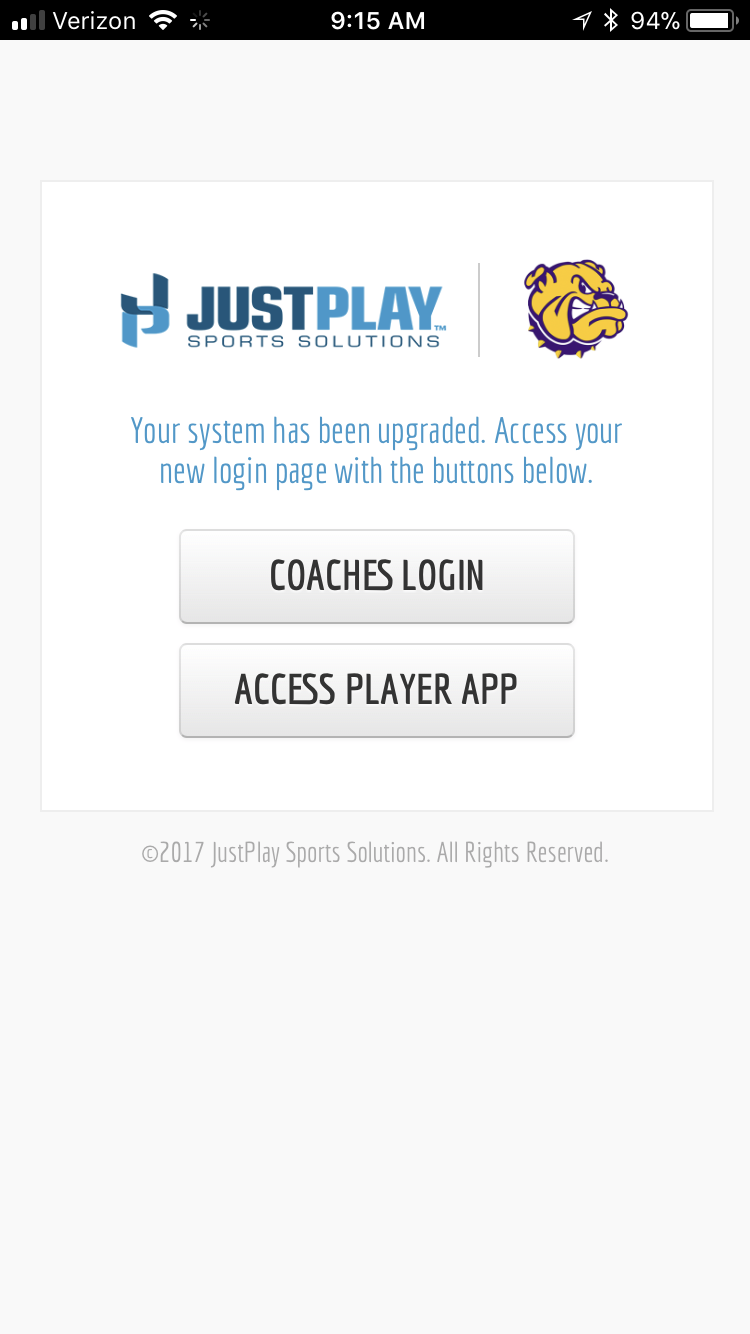
FOR COACHES: We recommend clicking ACCESS PLAYER APP and saving this to your home screen.
Our coaches admin is now available on the phone with limited functionality: Adding, editing text for scouts, sending messages, turning on/off access for players or coaches.
iOS Devices
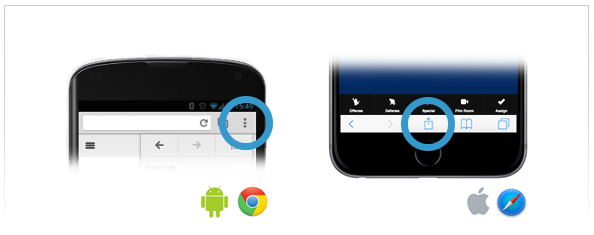
- Click the (square + Arrow pointing up) as shown above.
- Click Add to Home Screen
- Click Add.
Android Devices
- Click the three vertical dots as shown below (left).
- Click Add to Home Page
- Click Add
ADDING THE APP FROM YOUR TEAM URL
If you already have an active account but have not added the Just Play app to your device, it is still a simple process.
iOS Devices
- Go to your team URL through Safari
- Click the (square + Arrow pointing up) as shown above (right)
- Click Add to Home Screen
- Click Add
Android Devices
- Go to your team URL through Chrome
- Click the three vertical dots as shown above (left)
- Click Add to Home Page
- Click Add
TIP: SAVING YOUR PASSWORD
If you wish for the system to remember your password to make logging in easy every time.
- Go to your iPhone / Android Settings
- Go to Safari / Chrome
- Turn on save passwords / names
Note: Be sure when you log in to click save password when prompted.
0 Comments